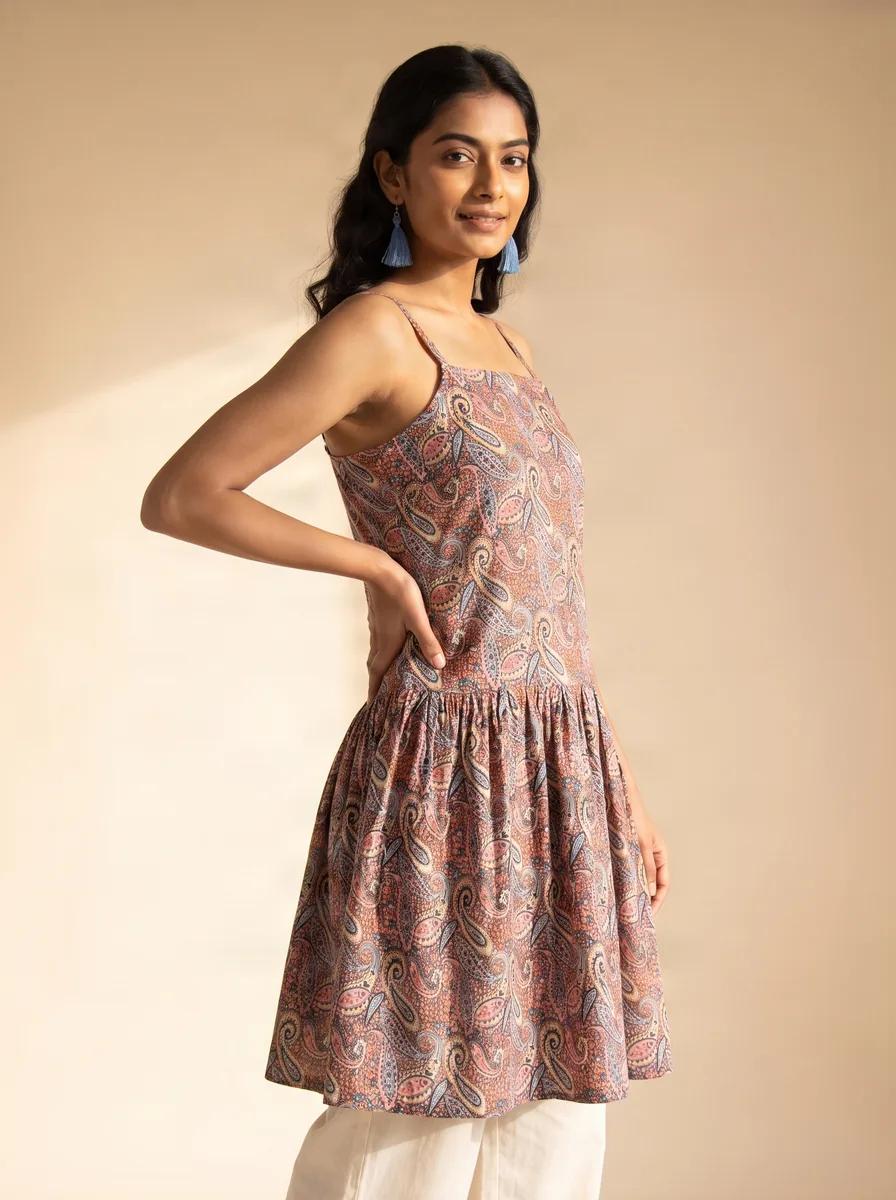
How to get on-model kurti photos without hiring a model
Four ways to get on-model kurti catalogue images without booking a model — ghost mannequin, borrowed model, stock compositing and AI image-to-image — with what each costs, what it looks like, and where each one fails.
18 August 2026 · 4 min read · Zuri AI by Aravi AI
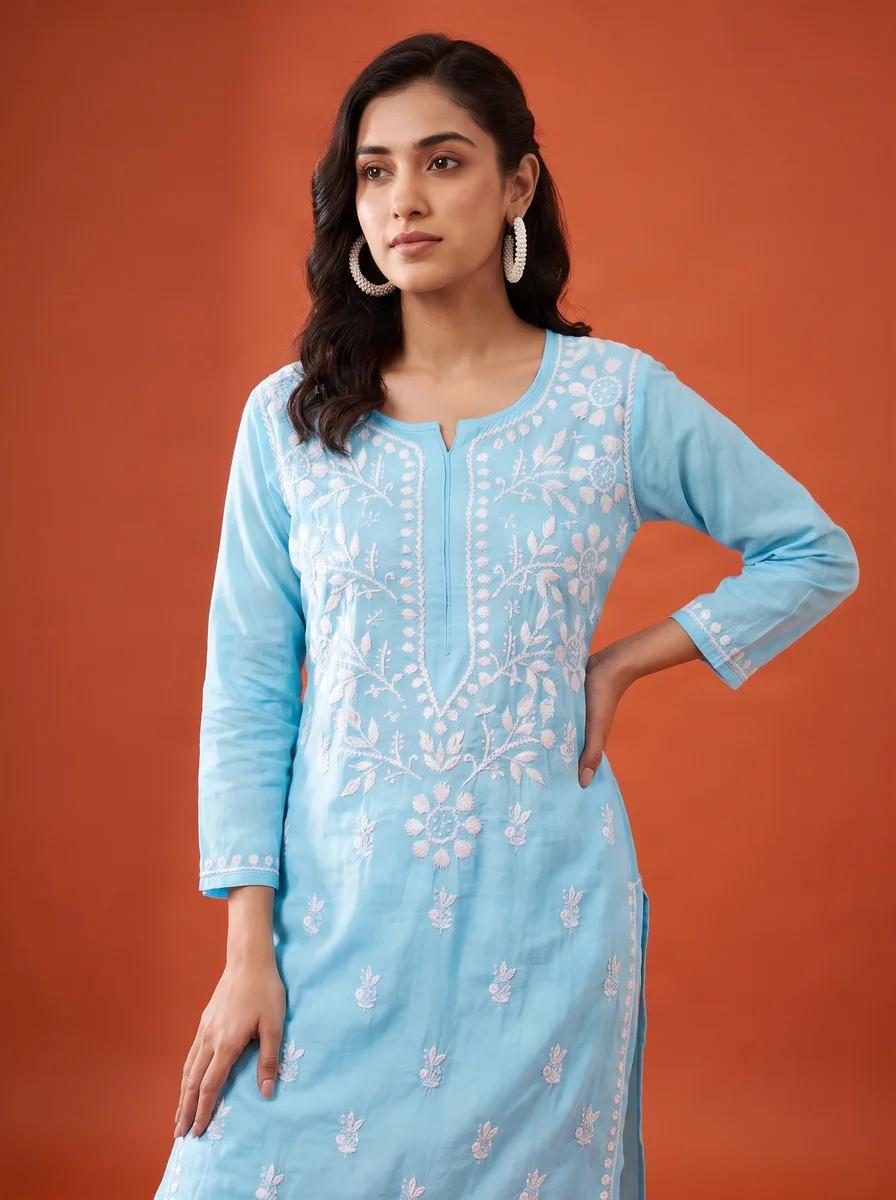
On-model images sell clothes. Shoppers want to see how a kurti falls, where the hem sits, what the sleeve does — and every study of marketplace conversion in apparel says the same thing. Myntra has gone further and simply will not accept an apparel listing without a model or a ghost mannequin.
Which leaves small sellers with a problem, because booking a model starts around ₹15,000 for a day and only makes sense across dozens of designs at once. Here are the four ways around it that actually work, and where each one breaks.
1. The ghost mannequin
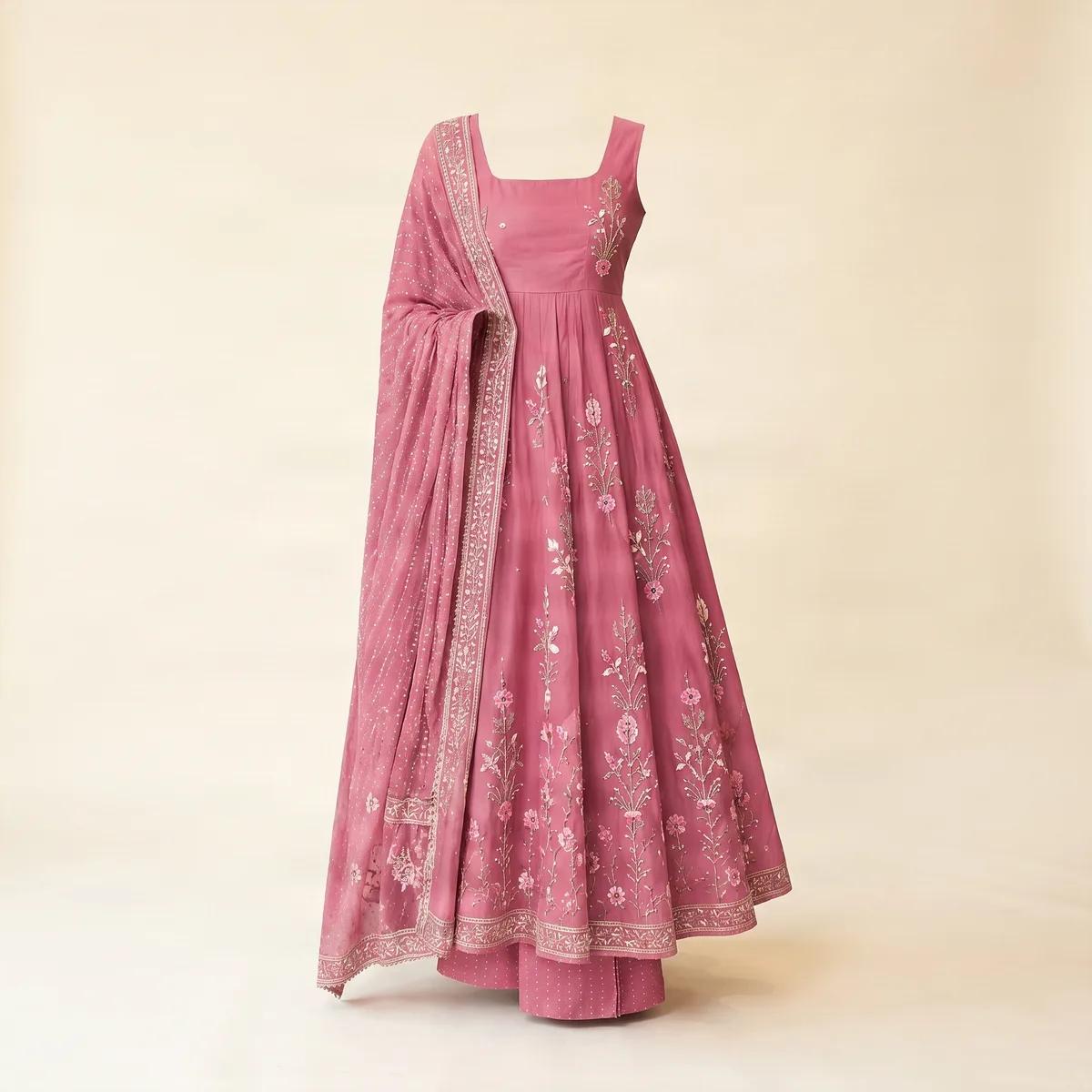
You photograph the kurti on a mannequin, then edit the mannequin out so the garment appears to hold its own shape. It is the standard technique for e-commerce apparel and it is what most marketplaces mean when they say a model is not strictly required.
- Cost: a decent mannequin is ₹2,000–₹6,000 once, then your own time or ₹30–₹80 per image for the editing.
- Good for: showing true shape and fit. The garment is physically on a form, so the drape is real.
- Where it breaks: it is not a person. It shows nothing about how the kurti reads on a body, and it will never be the image that stops someone scrolling Instagram.
2. A friend, a relative, or you
The most underrated option. A phone, a window with indirect daylight, a plain wall, and someone willing to stand for ten minutes will get you images that are honest and often warmer than studio work. Plenty of successful Instagram-first ethnic brands are built entirely on this.
- Cost: nothing but time and goodwill.
- Good for: Instagram, WhatsApp catalogues, and any channel where authenticity beats polish.
- Where it breaks: consistency. Different days, different light, different person — your catalogue stops looking like one brand. Marketplaces are also stricter than Instagram about background and framing, and this route fails those checks most often.
3. Compositing onto a stock model
An editor cuts your garment out and places it onto a licensed photo of a model. Done well by a skilled retoucher, it is convincing. Done cheaply, it is the uncanny result everyone has seen — a kurti that floats slightly wrong on shoulders it was never draped over.
- Cost: ₹150–₹600 per image for competent work, plus the stock licence.
- Good for: a small number of hero images where you can afford to be fussy.
- Where it breaks: the folds. A garment's shadows and creases come from the body underneath it, and pasting a flat-lay onto a standing model gets those wrong in a way people notice without being able to say why.
4. AI image-to-image generation
This is the newest option and the one worth understanding properly, because it is frequently described badly. The good implementations are not generating a picture of "a kurti" from a text prompt — that would invent a garment you do not sell. They are image-to-image: your photograph is the input, and the model's job is to re-render the same fabric, print and embellishment on a human figure in a new setting.
The practical consequence is that the quality of your input photo decides the quality of the output. It does not need to be a good photo. It needs to be a legible one.
What you can upload
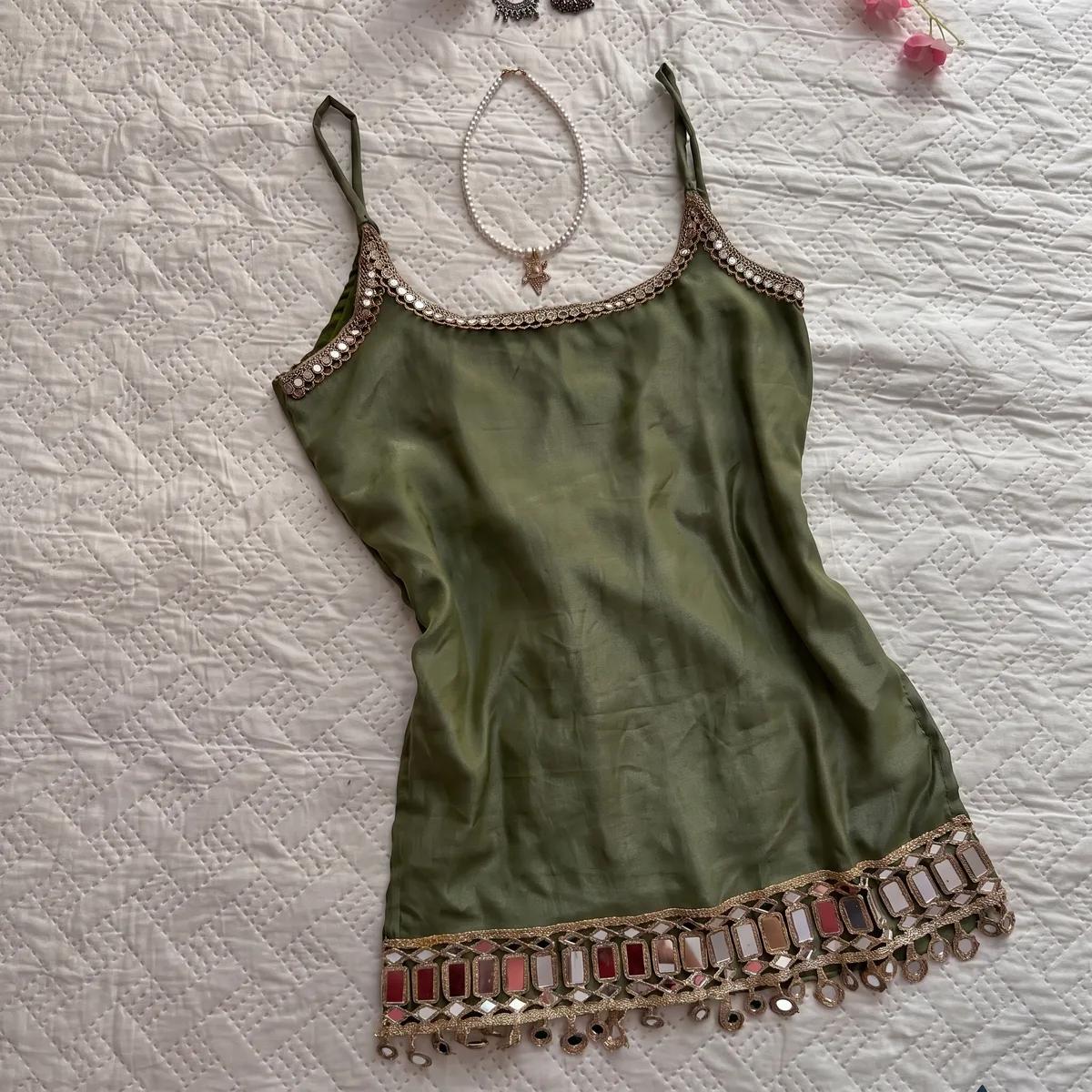
- Flat on a bed or table, shot straight down — the most common seller photo, and the one that works best.
- On a hanger against a wall.
- On a mannequin, when the neckline and fit matter.
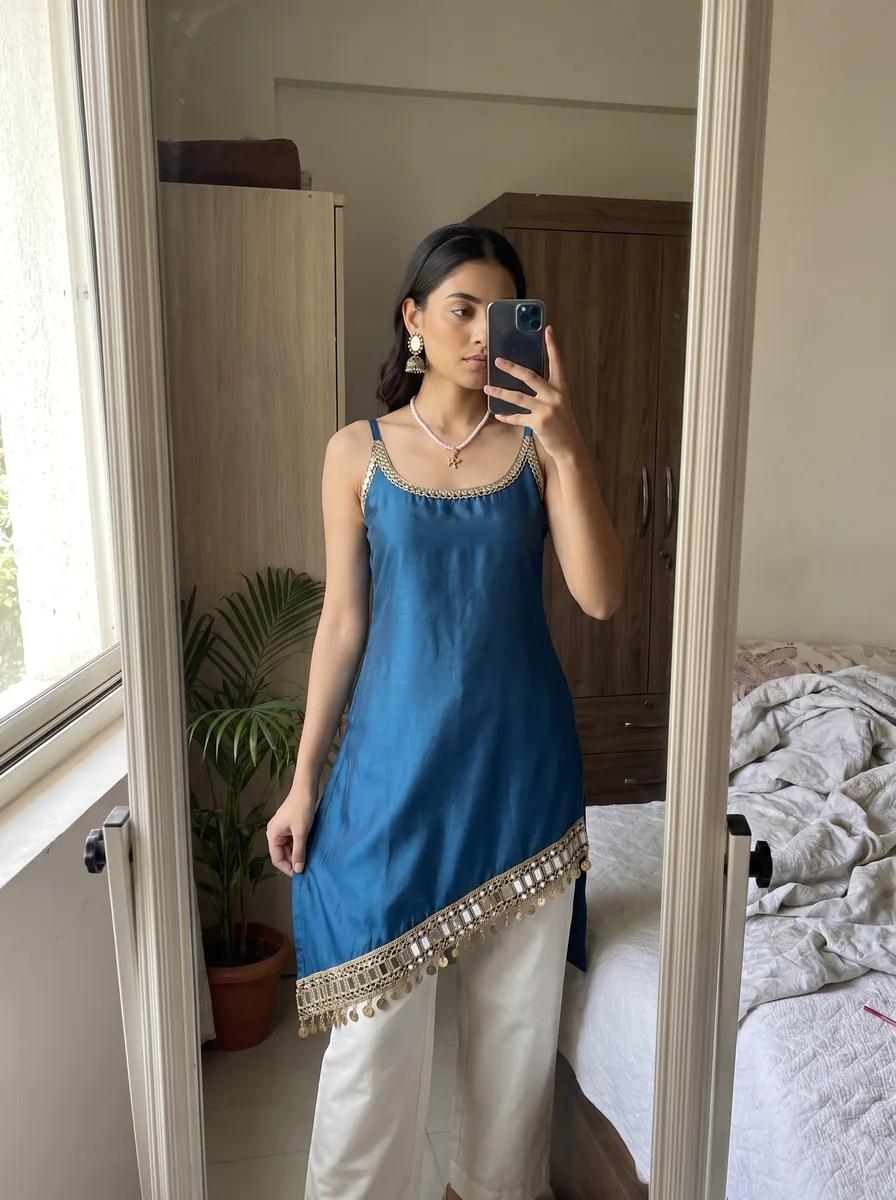
- Folded on a stack, or even a phone mirror selfie, as long as the print reads clearly in frame.
- Cost: roughly ₹30–₹50 per finished photo on Zuri AI, depending on plan and resolution.
- Good for: volume and speed. One upload produces a full set — clean studio, on-model front and three-quarter, detail macros, flat-lay — and there is no stock to courier.
- Where it breaks: fit. No human has worn the garment, so the image cannot tell you the sleeve is short or the fall is wrong. It also handles simple silhouettes far better than heavily structured ones.
Getting the input photo right
Whichever route you pick, the photo you start from does most of the work. Four things matter, and none of them need equipment.
- Indirect daylight. Stand near a window, out of direct sun. Overhead tube lights flatten the weave and shift the colour; direct sun blows out the highlights on anything with sheen.
- Fill the frame. The kurti should take up most of the photo. Cropping in later throws away the detail the process needs.
- Flatten it out. Smooth the fabric, straighten the sleeves, uncrease the front. Wrinkles get faithfully reproduced by every method on this list.
- Shoot straight on. Hold the phone parallel to the garment rather than at an angle, so the print is not distorted before anything else touches it.
Which to choose
| If you... | Use |
|---|---|
| Sell mainly on Meesho or Flipkart and need clean product shots | Ghost mannequin — it satisfies the primary-image rules cheaply |
| Sell mainly on Instagram and WhatsApp | A friend or yourself, shot in daylight — authenticity outperforms polish here |
| List on Myntra, which requires a model | AI on-model images, or a real shoot if fit is central to the product |
| Add designs faster than you can book a studio | AI, because the marginal cost of one more design is one more upload |
| Sell structured, heavily draped garments where fit is the product | A real shoot, at least once, however you supplement it afterwards |
Scroll the table sideways to see every column →
Questions people ask
Read next
What a kurti photoshoot actually costs in India in 2026
Per-photo rates, per-piece quotes, full-day shoots and AI — the four ways ethnic-wear sellers pay for catalogue images, and the costs each one hides.
One kurti, four marketplaces, four different photos
Meesho wants square on white. Myntra rejects square and demands a model. Selling on both means two different photos of the same kurti — here is the full comparison.