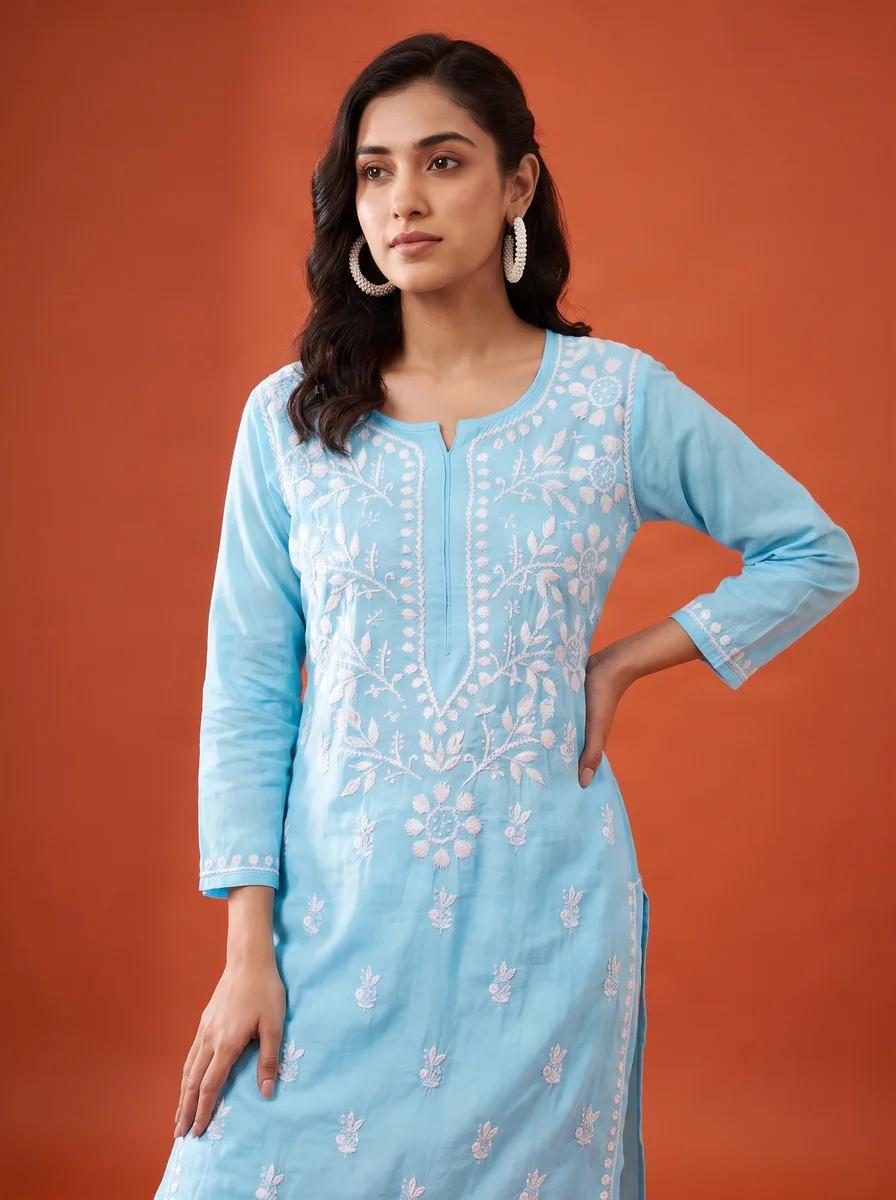
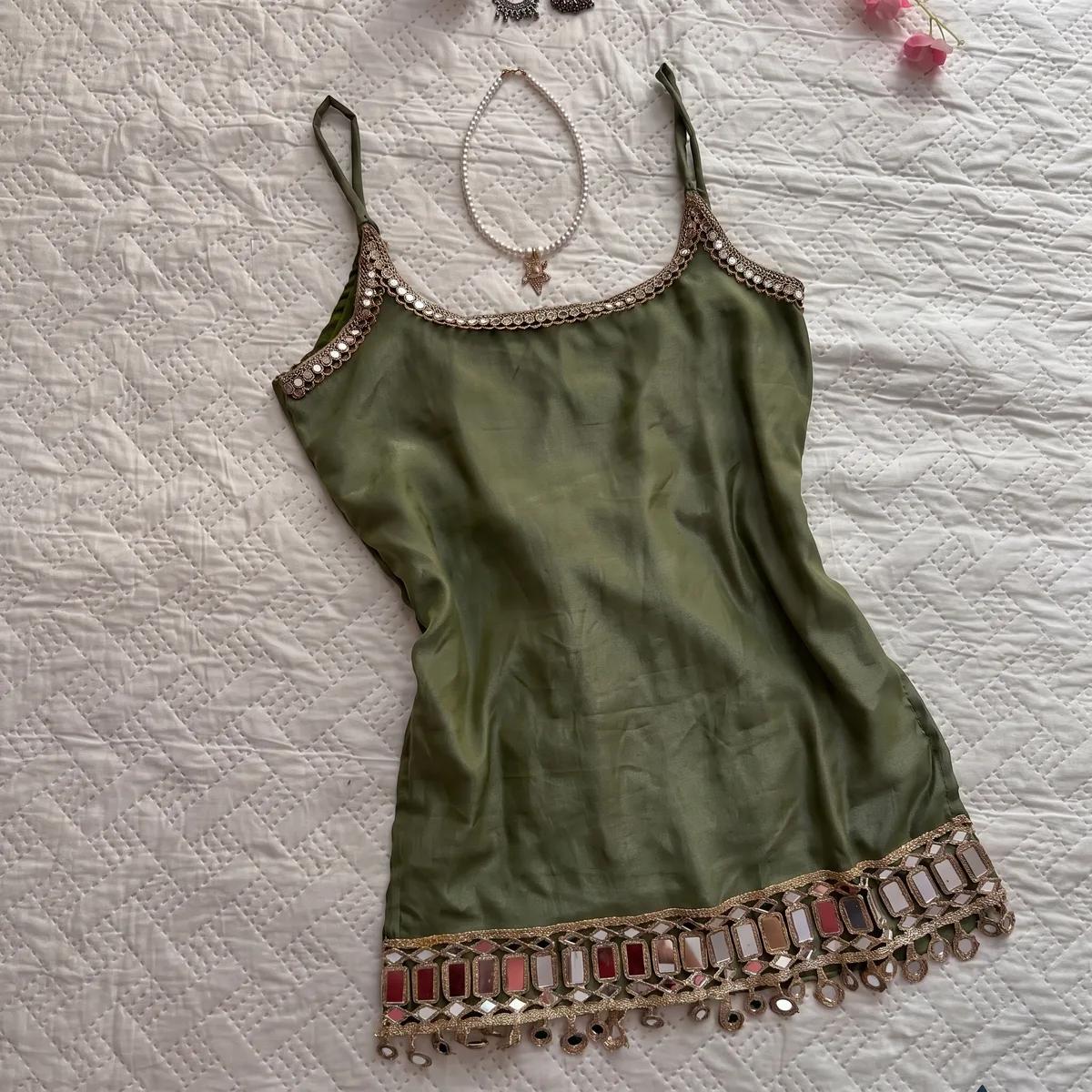
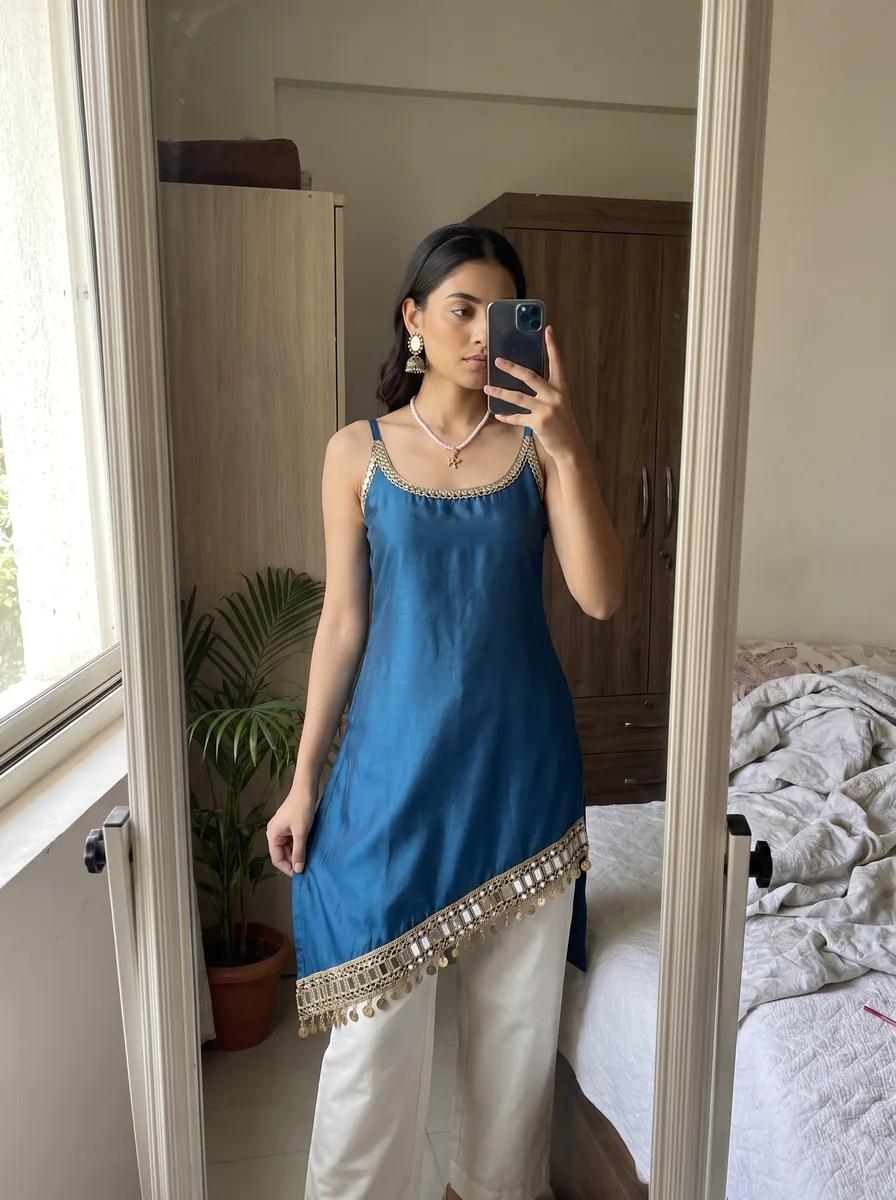
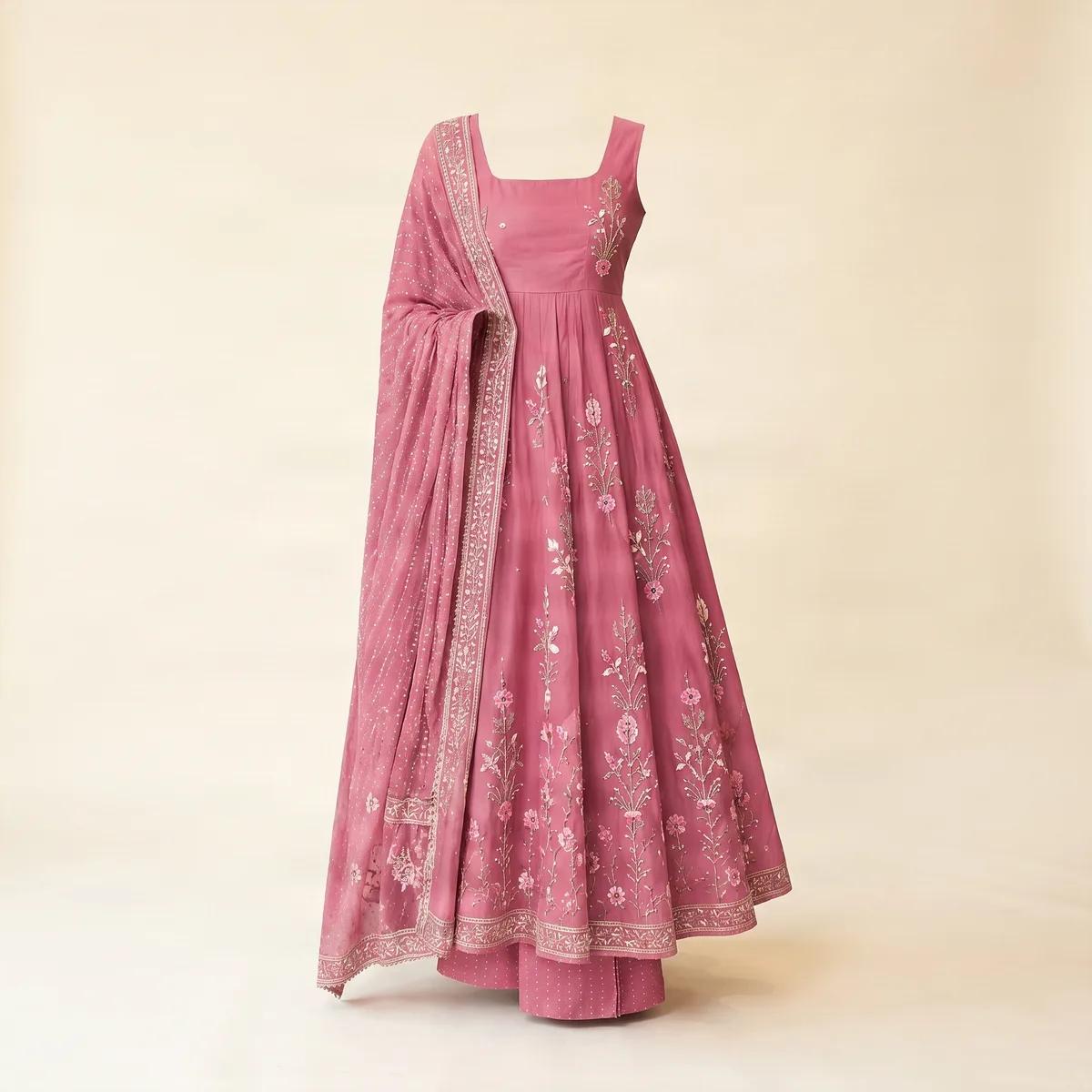
One kurti, four marketplaces, four different photos
Meesho wants a square white-background shot. Myntra will reject it and demand a 3:4 portrait on a model. Flipkart and Amazon sit in between. A side-by-side of what each Indian marketplace requires from a kurti listing in 2026.
18 August 2026 · 3 min read · Zuri AI by Aravi AI
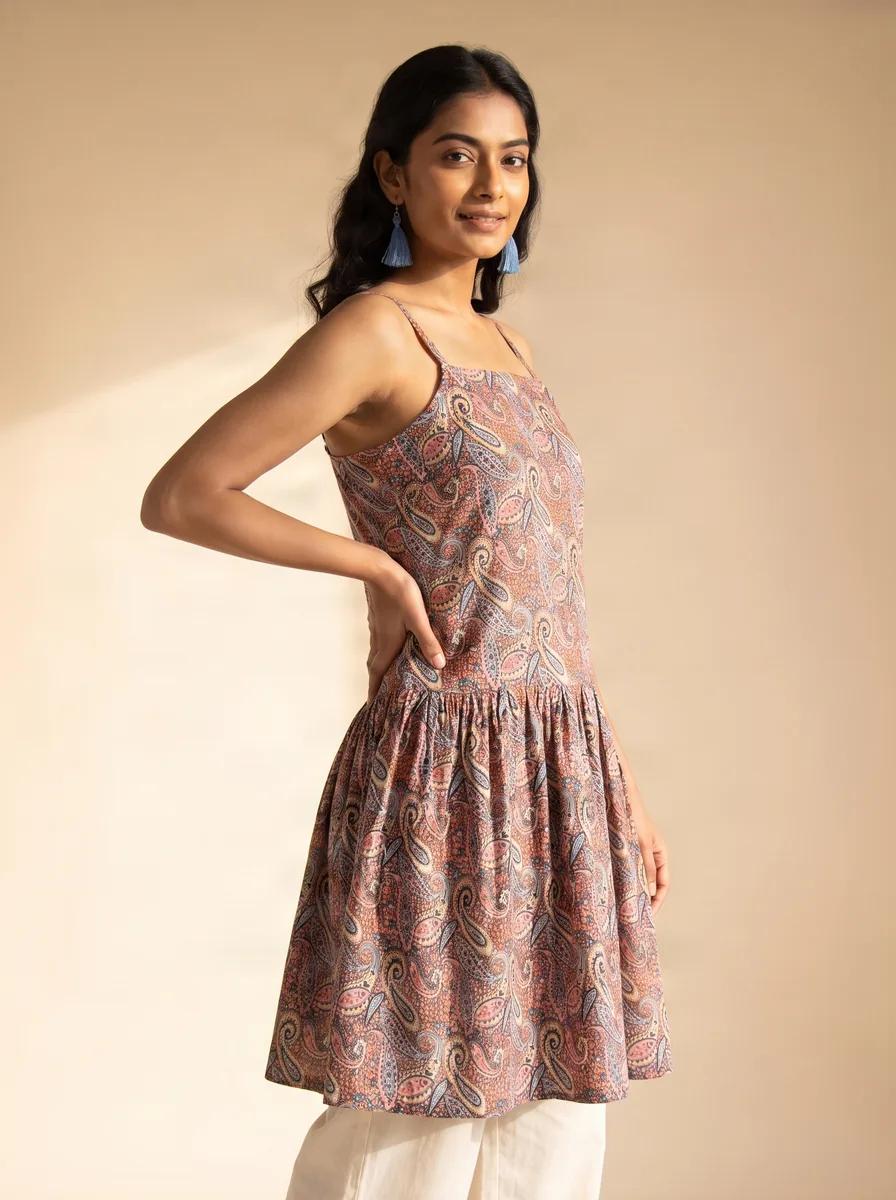
The single most expensive assumption in Indian fashion e-commerce is that one set of product photos will work everywhere. It will not. Meesho wants a square image on a pure white background. Myntra rejects square outright and requires a vertical portrait with a human model in it. Selling the same kurti on both means producing two genuinely different photographs — not two crops of one.
Here is what each platform asks for, where they conflict, and the shortest path to satisfying all four.
The side-by-side
| Meesho | Myntra | Flipkart | Amazon India | |
|---|---|---|---|---|
| Aspect ratio | 1:1 square | 3:4 portrait (vertical) | 1:1 square | 1:1 square |
| Typical minimum size | 1000×1000 px | 1080×1440 px | 500×500 px | 1000×1000 px |
| Recommended size | 1200×1200 px or larger | 1500×2000 px | 1024×1024 px or larger | 2000 px on the long side |
| Model required? | No | Yes — model or ghost mannequin | No, but allowed on the main image | No, but allowed for clothing |
| Primary background | Pure white | White or soft neutral grey | Pure white | Pure white (RGB 255,255,255) |
| Frame fill | About 70–80% | Full-length garment in frame | About 80–90% | About 85% |
| Text, logos, watermarks | Not allowed | Not allowed | Not allowed | Not allowed |
Scroll the table sideways to see every column →
The conflict that costs sellers the most
Meesho and Myntra want incompatible images, and this is the one that catches people out.
- Meesho's primary image is square, on pure white, and does not need a person in it. A clean flat-lay or ghost-mannequin shot is ideal.
- Myntra's primary image is vertical, and the garment must be on a human model or an invisible ghost mannequin. A square flat-lay fails on both counts at once.
You cannot crop your way from one to the other. Cropping a 1:1 square to 3:4 throws away the top and bottom of the frame, which on a full-length kurti is the hem and the neckline — the two things the listing exists to show. And no crop puts a model into a photograph that never had one.
The practical answer is to shoot for the strictest platform first. A 3:4 portrait on a model at 1500×2000 can be cropped down to a clean 1:1 for Meesho, Flipkart and Amazon, provided the garment is centred with room around it. The reverse never works.
Why listings actually get rejected
Across all four platforms, the same handful of mistakes account for most rejections, and none of them are about photographic quality.
- The background is not white enough. Off-white, cream and light grey all get flagged where pure white is required — this is the single most common Meesho rejection.
- There is a watermark, logo, brand name or price tag on the primary image. Sellers add these to stop image theft; the platforms read them as promotional overlay and reject.
- Wrong aspect ratio — usually a square uploaded to Myntra.
- No model on an apparel listing where one is mandatory.
- Too few images. Myntra in particular expects a set, not a single photo.
- The garment is wrinkled. Myntra rejects visibly creased or badly fitted samples more readily than the others.
A workflow that feeds all four
- Produce one master image per design at 2000×2667 px (3:4), on a model or ghost mannequin, on white or very light neutral, with the full garment in frame and margin around it.
- Export the Myntra version at 1500×2000 directly from the master.
- Centre-crop the master to 1:1 and export at 1500×1500 for Meesho, Flipkart and Amazon. Check that the hem and neckline both survive the crop.
- Add the supporting images each platform wants — detail shots of the embroidery and neckline, a back view, a flat-lay.
- Keep the master. When a platform changes its specification, you re-export rather than reshoot.
That last point is the one that pays for itself. Sellers who keep a high-resolution master handle a specification change in an afternoon. Sellers who only kept the exported JPEGs courier their stock to a studio again.
Where AI catalogue images fit
This four-way split is the specific problem AI product photography is good at, because the expensive part of satisfying it conventionally is producing both a model shot and a clean product shot of the same garment. Both come out of the same upload — an on-model portrait for Myntra and a clean studio shot on plain backdrop for the others — and you crop to each platform's ratio afterwards.
It is not a complete answer. AI images cannot verify fit, and if a platform ever requires photography of the physical item as sold, generated images will not satisfy it. Read each marketplace's current policy on AI-assisted imagery before you build a catalogue on it — the rules in this area are moving, and a policy change is a worse surprise than a rejected image.
Questions people ask
Sources
- Flipkart, Meesho, Myntra seller image guide 2026 ↗
- Myntra photoshoot requirements checklist (Scalio) ↗
- Meesho listing guidelines and rejection reasons (Lohar Studio) ↗
- Amazon India product image requirements (PicToPose) ↗
- Meesho and Flipkart photography guide for fashion sellers (Studiofy) ↗
Prices and marketplace specifications change without notice. Confirm current figures in your own seller panel before committing to a large batch.
Read next
How to get on-model kurti photos without hiring a model
Ghost mannequin, a friend, compositing, or AI. Four routes to on-model images without a casting call — and the failure mode of each.
What a kurti photoshoot actually costs in India in 2026
Per-photo rates, per-piece quotes, full-day shoots and AI — the four ways ethnic-wear sellers pay for catalogue images, and the costs each one hides.